YouTube
Subtitle a full YouTube video, not just the clip.
A subtitle track viewers can turn on, plus a transcript you can keep and revise.
Start captioning freeFree plan · no credit card
For a YouTube video, download a corrected SRT and upload it as a timed subtitle file in YouTube Studio. Use a separate burned-in version when you want designed captions for a short promotional clip.
Video stays on your device. Audio is sent for transcription.
See the captions in motion
How it works
Add the finished edit
Add the video as you will upload it to YouTube, intro included, and sign in to transcribe it. Your video stays on your device while its audio is transcribed.
Review the whole length
Correct names and terms, then jump to the middle and the last minute to confirm the timing still lines up.
Download the SRT
Export the SRT, plus the plain-text transcript if you want one, and upload the SRT in YouTube Studio.

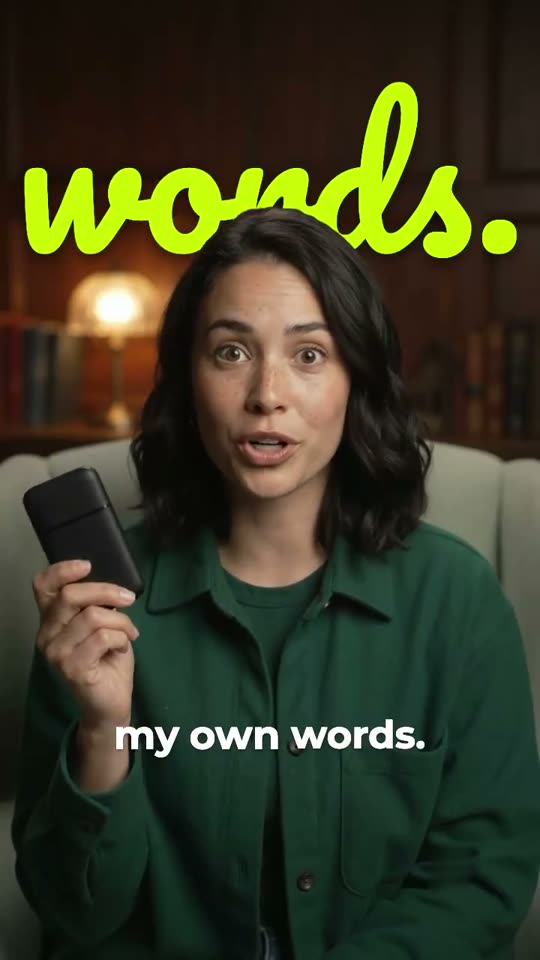
A full lesson or interview needs consistent wording more than constant animation. Correct terminology, keep complete phrases together and check the timing through the last minute.
The subtitle file must match the final edit. Adding an intro after you generate captions shifts every cue. Export the final cut first, or regenerate the file after editing.
Add the file in YouTube Studio
Open Subtitles in YouTube Studio, select the video and language, and choose Upload file. Choose With timing for an SRT generated from the matching video. Review the result before publishing.
YouTube also lets you type captions or use its automatic captions. Whichever method you use, check names, meaningful sounds and passages where speakers overlap.
Check the beginning, middle and end
If captions are wrong by the same amount everywhere, check whether an intro or trim changed the start time. If the offset grows, check that the SRT and the upload come from the same export.
Do not insert keywords nobody said. Captions should match the audio, and a subtitle track carries no promise of higher search rankings.
- Download SRT
- Take a separate file of corrected text and cue timings for YouTube Studio.
- Keep a transcript
- Download plain text as a starting point for notes or the video description. Check any quotation against the recording.
- Longer inputs on paid plans
- Creator takes videos as long as 30 minutes. Pro takes up to 90.
- Keep viewer choice
- Viewers can switch a separate track on or off in YouTube’s player. Burned-in text stays on screen.
Common questions
Should I burn subtitles into a full YouTube video?
Not for a full video. A separate track lets viewers turn captions off or resize them. Keep burned-in styling for a short excerpt.
Can I download subtitles from somebody else’s YouTube link?
No. LumaCaption works on a media file you add from your device. It does not download subtitles or transcripts from YouTube links.
Will the captions be perfect automatically?
No. Review the transcript and timing, especially around names, accents, music and overlapping voices.
